AI Tutor Mode
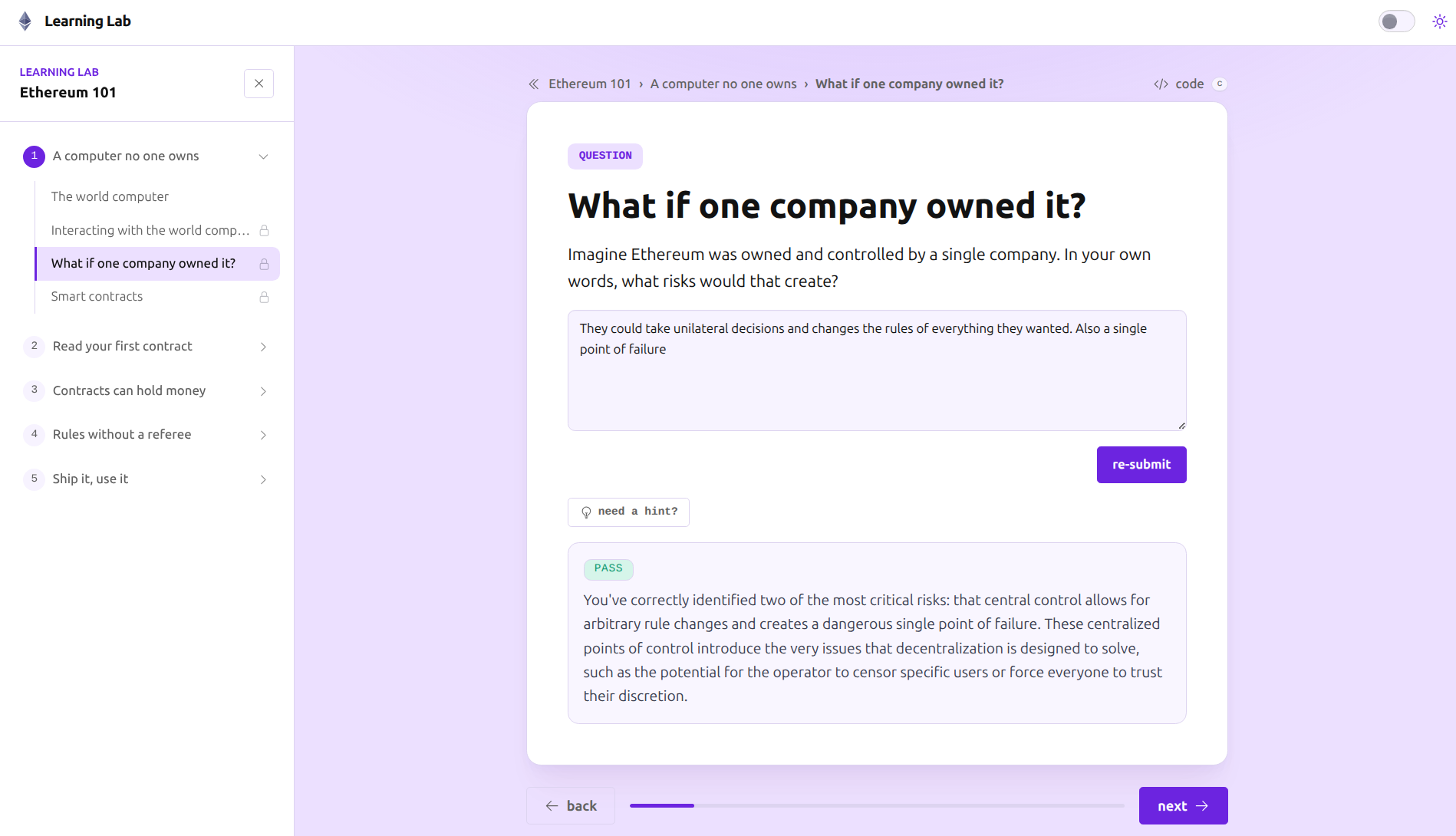
Tutor Mode brings guidance into the developer workflow for Solidity challenges: checkpoints, comprehension questions, targeted hints, explaining test failures, code review, bug detection, and next-step guidance.
We helped a developer education platform move AI guidance closer to the moments where learners get stuck: setup, debugging, failing tests, code review, and the next step in the build.
The work was not about adding an AI layer for show. It was about putting useful help inside the learner’s development workflow without replacing the learning challenge.
The platform already had a strong learning path, but many difficult moments happened around the edges of the curriculum: local setup, CLI friction, failing tests, debugging, knowing when to ask for a hint, and deciding what to build next. The domain was Ethereum / Solidity, but the product problem was broader: how to keep learners moving while they build.
Static lessons can explain concepts. They can't see the learner’s code, interpret a test failure, or calibrate how much help to give. The opportunity was to move assistance into the product workflow itself, so guidance could support progress without turning challenges into answer dumps.
The completed system integrates multiple surfaces that map to real learner actions: start a challenge, ask for help, explain a failed test, review code, or build structured specs.
Tutor Mode brings guidance into the developer workflow for Solidity challenges: checkpoints, comprehension questions, targeted hints, explaining test failures, code review, bug detection, and next-step guidance.
Build Prompts turn common coding project ideas into curated, tested, AI-ready briefs. This helps learners start from a structured specification instead of a blank prompt box, teaching them how to write effective specs for either human or agent developers.
Brings the build loop directly into the website through a browser coding sandbox connected to tutor logic, reducing setup drag before the first useful coding iteration.
With code state, tests, tutor checkpoints, and learner progress connected, guidance can inspect the work, interpret failures, adjust hint depth, and keep the learner in the loop.
The useful difficulty remains: understanding the system, writing the code, interpreting feedback, and building confidence. The avoidable friction gets surfaced and guided.
Artifact is a simplified representation of the product workflow, not a fixed product architecture.
The work sat inside an active developer education platform, so the design had to support real learner behavior: setup friction, failing tests, debugging, code review and project ideation.
How we helped We shaped interactive tutor loops, local editor integration, automated test feedback, and AI-ready templates around the moments where learners need help without removing the challenge.
If users get stuck inside a real workflow, whether learning, onboarding, support, review, internal operations, or code-heavy product work, we can help map the friction and build the right system around it.